
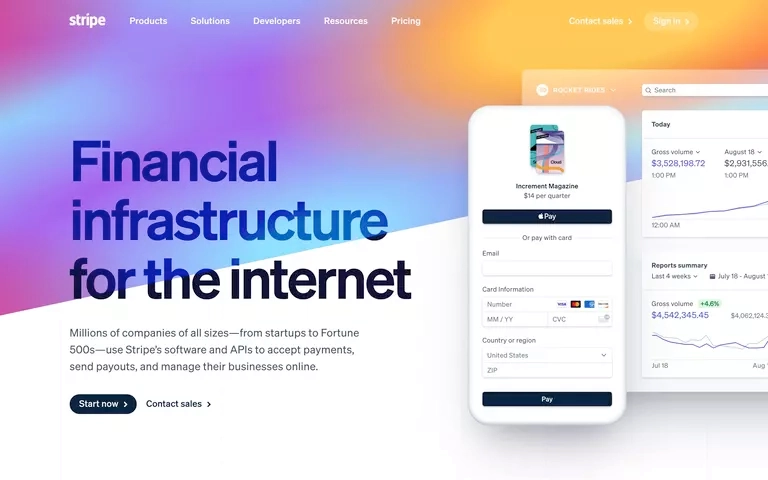
What is ScreenshotOne? Render Websites as Images with Ease
In the digital age, visuals are a powerful way to communicate information. Whether you’re a developer, marketer, or content creator, having the ability to render websites and HTML as high-quality images can be a game-changer. That’s where ScreenshotOne comes in—a robust API designed to help you capture website screenshots with precision and efficiency. With features like ad and cookie banner blocking, cutting-edge rendering powered by Google Chrome, and scalability through Google Cloud Platform, ScreenshotOne is the ultimate tool for creating stunning visuals from web content.
Why Website Screenshots Are Essential
Website screenshots serve a variety of purposes across industries. From showcasing web designs to creating marketing materials, they are a versatile tool for professionals. Here’s why they’re so important:
- Visual Documentation: Screenshots provide a snapshot of a website’s appearance at a specific moment in time.
- Marketing and Presentations: High-quality screenshots are essential for creating engaging presentations, portfolios, and promotional materials.
- Testing and Debugging: Developers use screenshots to identify and document issues during the testing phase.
- Content Sharing: Screenshots make it easy to share web content in a visually appealing format.
With ScreenshotOne, you can streamline the process of capturing and using website screenshots, saving time and effort.
Key Features of ScreenshotOne
ScreenshotOne is packed with features that make it a must-have tool for anyone who needs to render websites or HTML as images. Let’s take a closer look at what it offers:
1. High-Quality Rendering with Google Chrome
ScreenshotOne uses the latest version of Google Chrome for rendering, ensuring that your screenshots are accurate and up-to-date. This means you can capture websites exactly as they appear to users, including modern layouts, animations, and dynamic content.
2. Block Cookie Banners and Ads
One of the most frustrating aspects of capturing website screenshots is dealing with intrusive cookie banners and ads. ScreenshotOne solves this problem by automatically blocking these elements, giving you clean, professional-looking images every time.
3. API for Seamless Integration
ScreenshotOne is designed with developers in mind. Its API allows you to integrate screenshot functionality directly into your applications, workflows, or tools. With just a few lines of code, you can:
- Capture full-page or viewport-specific screenshots.
- Customize image dimensions, formats, and quality.
- Automate the screenshot process for large-scale projects.
This flexibility makes ScreenshotOne a powerful addition to any tech stack.
4. Scalability with Google Cloud Platform
Whether you need to capture a single screenshot or thousands, ScreenshotOne can handle it. Powered by Google Cloud Platform, the API offers exceptional performance and scalability, ensuring fast and reliable results even for high-demand use cases.
5. Customizable Options
ScreenshotOne gives you full control over your screenshots. You can customize various parameters, including:
- Image Format: Choose between PNG, JPEG, or WebP.
- Resolution: Adjust the resolution to meet your specific needs.
- Delay Settings: Add delays to ensure dynamic content is fully loaded before capturing.
These options allow you to tailor your screenshots to your exact requirements.
How to Use ScreenshotOne
Getting started with ScreenshotOne is quick and easy. Here’s a step-by-step guide to help you make the most of this powerful tool:
- Sign Up for an Account: Visit the ScreenshotOne website and create an account to access the API.
- Generate an API Key: Once you’ve signed up, generate an API key to start using the service.
- Integrate the API: Use the provided documentation to integrate ScreenshotOne into your application or workflow.
- Customize Your Requests: Specify parameters like URL, image format, and resolution to capture the perfect screenshot.
- Retrieve Your Screenshot: Once the API processes your request, you’ll receive a high-quality image ready for use.
By following these steps, you can start capturing professional-grade website screenshots in no time.
Who Can Benefit from ScreenshotOne?
ScreenshotOne is a versatile tool that caters to a wide range of users. Here are some examples of who can benefit the most:
- Developers: Automate screenshot generation for testing, debugging, and documentation.
- Marketers: Create polished visuals for campaigns, presentations, and social media.
- Content Creators: Enhance blog posts, tutorials, and videos with high-quality website screenshots.
- Designers: Showcase web designs and layouts in portfolios or client presentations.
No matter your industry or use case, ScreenshotOne can help you achieve your goals with ease.
FAQs About ScreenshotOne
What platforms does ScreenshotOne support?
ScreenshotOne is a web-based API, making it compatible with any platform that supports API integration. It works seamlessly with popular programming languages like Python, JavaScript, and PHP.
Can ScreenshotOne capture full-page screenshots?
Yes! ScreenshotOne can capture full-page screenshots, as well as viewport-specific images, depending on your needs.
Does ScreenshotOne block all ads and cookie banners?
While ScreenshotOne is highly effective at blocking most ads and cookie banners, some elements may still appear depending on the website’s structure. However, the API is constantly updated to improve its blocking capabilities.
Is ScreenshotOne beginner-friendly?
Absolutely! While the API is designed for developers, the documentation and support make it easy for beginners to get started.
How does ScreenshotOne ensure scalability?
ScreenshotOne is powered by Google Cloud Platform, which provides the performance and scalability needed to handle high volumes of requests without compromising speed or quality.
Why You Should Try ScreenshotOne Today
If you’re looking for a reliable, efficient way to render websites and HTML as images, ScreenshotOne is the tool for you. Its advanced features, seamless API integration, and scalability make it an invaluable resource for developers, marketers, and content creators alike. Whether you’re capturing screenshots for testing, marketing, or content creation, ScreenshotOne has you covered.
