
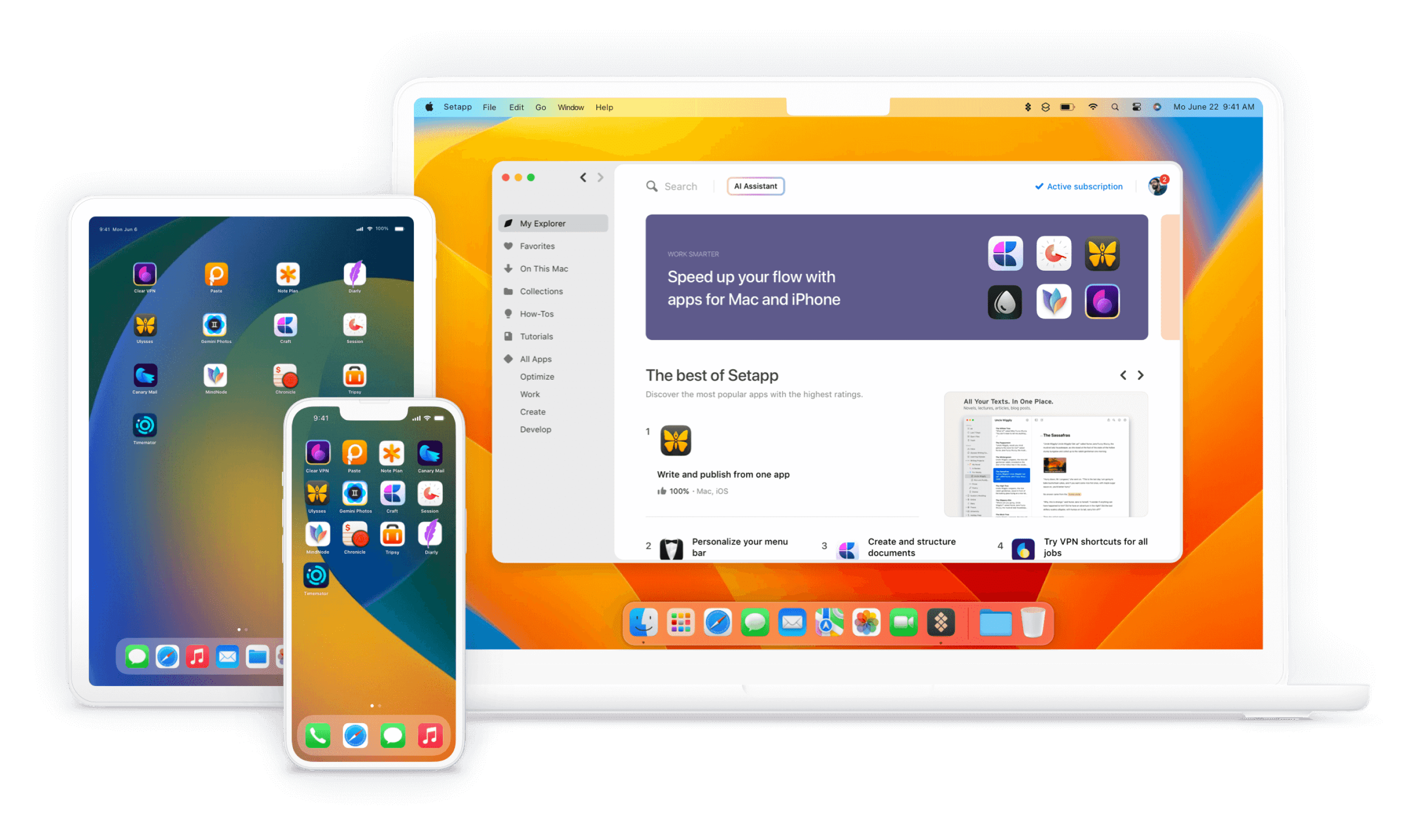
Setapp Review 2025- Is This Mac App Subscription Service Worth It?
Are you tired of purchasing individual Mac applications and managing multiple software licenses? Setapp might be the solution you’ve been looking for. This comprehensive platform offers a curated collection of premium Mac applications through a single subscription. Let’s explore why Setapp is revolutionizing how Mac users access and use software.
What Makes Setapp Different from Traditional App Stores?
Unlike traditional app stores where you purchase applications individually, Setapp provides unlimited access to a carefully curated collection of premium Mac apps for a single monthly fee. This Netflix-style approach to software distribution offers several unique advantages.
The Value Proposition
- Access to 200+ premium Mac applications
- No in-app purchases or hidden fees
- Regular updates for all included apps
- New apps added monthly
- Single subscription covers everything
Understanding Setapp’s App Collection
Productivity Apps
- Task management tools
- Writing applications
- Time tracking software
- Project management solutions
Development Tools
- Code editors
- API tools
- Database management
- Development utilities
Creative Applications
- Photo editing software
- Design tools
- Audio production apps
- Video editing solutions
Cost Analysis: Is Setapp Worth the Investment?
Traditional App Purchase Model
When purchasing apps individually:
- Average premium app: $20-60
- Annual updates: $10-30 per app
- Multiple apps quickly add up
Setapp Subscription Value
- Fixed monthly fee
- All apps included
- Free updates and new additions
- No additional costs
How Setapp Enhances Your Mac Experience
Seamless Discovery
Setapp makes finding new applications effortless:
- Categorized app collections
- Personalized recommendations
- Easy app exploration
- Instant installation
Quality Assurance
Every app in Setapp undergoes rigorous testing:
- Security verification
- Performance optimization
- Regular updates
- Professional support
Getting Started with Setapp
Sign Up Process
- Visit Setapp’s website
- Create an account
- Download the Setapp application
- Start exploring apps
Installation
- Browse categories
- Click to install any app
- No additional purchases needed
- Instant access
Popular Apps Available on Setapp
Productivity Champions
- CleanMyMac X
- Ulysses
- Mind Node
- BetterZip
Creative Tools
- Luminar
- PhotoBulk
- Capture One
- IconJar
Developer Essentials
- TablePlus
- Proxyman
- CodeRunner
- RapidAPI
Tips for Maximizing Your Setapp Subscription
Explore New Apps Regularly
- Check new additions
- Try alternative solutions
- Experiment with different tools
Utilize App Categories
- Organize by workflow
- Create app collections
- Streamline your workspace
FAQs About Setapp
Q: Can I use Setapp apps offline? A: Yes, once installed, apps work offline with periodic online verification.
Q: How often are new apps added? A: Setapp regularly adds new applications, typically several per month.
Q: Can I use Setapp on multiple Macs? A: Yes, Setapp offers plans for multiple devices.
Real User Benefits
Time Savings
- No need to research individual apps
- Instant access to alternatives
- Quick installation process
Cost Efficiency
- Single subscription covers all needs
- No unexpected upgrade costs
- Premium features included
Making the Most of Your Subscription
Organization Tips
- Create workspace collections
- Set up quick access favorites
- Utilize app categories
Productivity Workflows
- Combine complementary apps
- Create efficient processes
- Streamline your work
Ready to transform your Mac software experience? Start your Setapp free trial todayand discover a new way to access premium Mac applications.
