
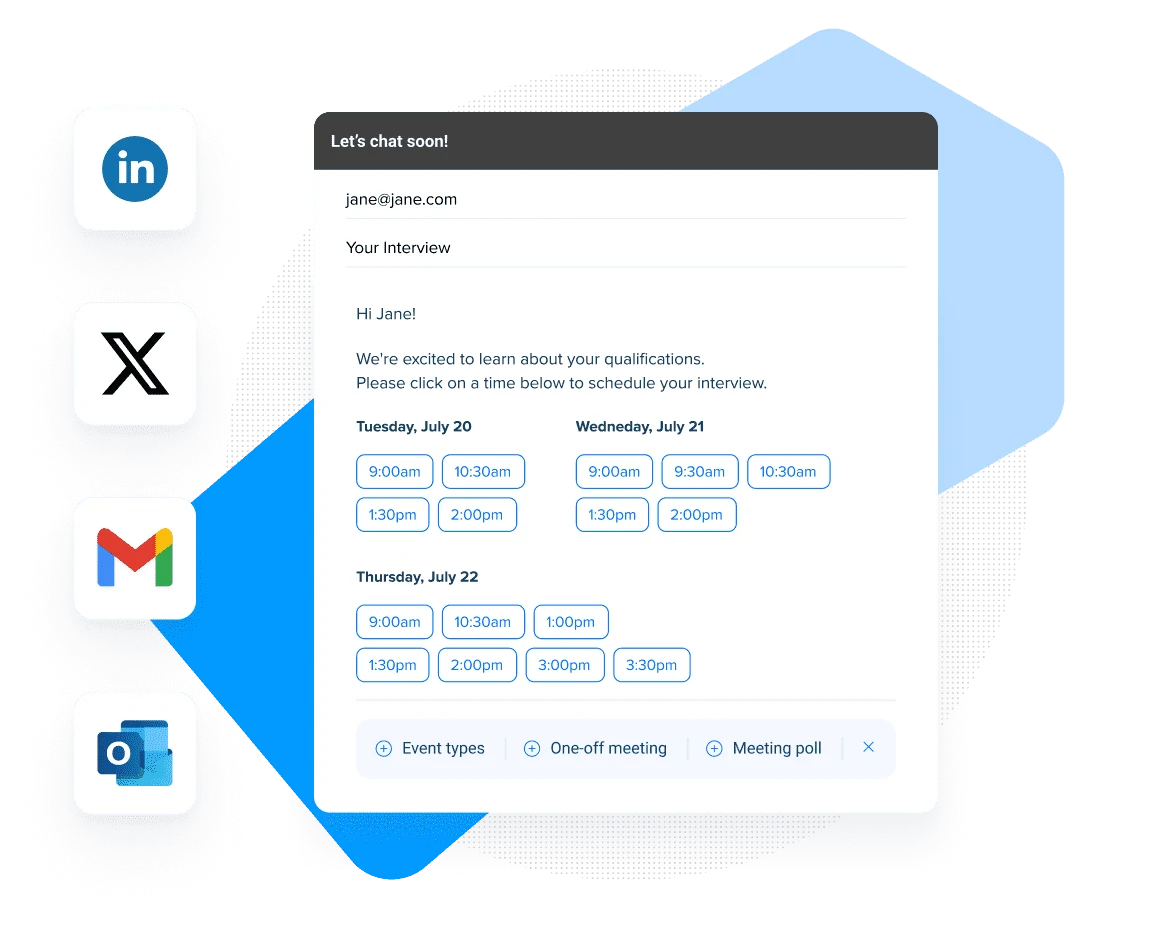
What is Calendly? Ultimate Meeting Scheduling Tool Guide 2025
What is Calendly? A Complete Guide to Streamlining Your Meeting Scheduling in 2024
In today’s fast-paced business environment, the back-and-forth of scheduling meetings can eat up valuable time. That’s where Calendly steps in – a game-changing scheduling automation platform that’s revolutionizing how professionals manage their meetings. But what exactly is Calendly, and why has it become the go-to solution for millions of users worldwide?
The Evolution of Meeting Scheduling
Remember the days of endless email chains trying to find the perfect meeting time? “How’s Tuesday at 2?” “Sorry, I’m booked then. What about Wednesday?” Sound familiar? This inefficient process isn’t just frustrating – it’s costing businesses real money. Studies show that professionals spend an average of 4.8 hours per week scheduling meetings, which translates to thousands of dollars in lost productivity annually.
Understanding Calendly’s Core Functionality
At its heart, Calendly is a smart scheduling platform that eliminates the traditional email ping-pong of setting up meetings. Think of it as your personal scheduling assistant, working 24/7 to coordinate your calendar with others.
How Calendly Actually Works
- You set your availability preferences
- Share your unique Calendly link with others
- Recipients choose from your available time slots
- The meeting automatically appears on everyone’s calendar
The beauty lies in its simplicity. Your calendar stays updated in real-time, preventing double-bookings and ensuring you maintain control over your schedule.
Essential Features That Make Calendly Stand Out
Automated Scheduling Intelligence
Calendly’s automated scheduling system goes beyond basic calendar management. The platform offers:
- Intelligent time zone detection
- Buffer time settings between meetings
- Minimum scheduling notice
- Maximum daily meeting limits
Professional Integration Capabilities
Modern businesses rely on various tools, and Calendly plays nicely with most of them:
- Google Calendar and Microsoft Outlook integration
- Zoom and Microsoft Teams connectivity
- CRM system synchronization
- Payment processing through Stripe and PayPal
Learn more about our business integration solutions
Calendly Pricing: Understanding Your Options
Free vs. Premium Features
The free plan includes:
- One meeting type
- Basic calendar integration
- Unlimited meetings
Premium plans unlock:
- Multiple meeting types
- Group meetings
- Custom branding
- Advanced integrations
Setting Up Your Calendly Account
Getting started with Calendly is straightforward, but there are some key steps to optimize your experience:
Initial Setup Process
- Create your account
- Connect your primary calendar
- Set your availability preferences
- Customize your booking page
- Create meeting types
Professional Best Practices
- Use clear meeting titles and descriptions
- Set appropriate buffer times
- Enable reminder notifications
- Brand your scheduling page
Business Applications and Use Cases
Sales Teams
Sales professionals use Calendly to:
- Schedule product demos
- Coordinate follow-up calls
- Manage discovery meetings
- Track prospect engagement
Recruiters
HR teams leverage Calendly for:
- Candidate interviews
- Team assessments
- Onboarding sessions
- Performance reviews
Consultants
Independent consultants utilize Calendly to:
- Book client consultations
- Schedule strategy sessions
- Manage project meetings
- Coordinate with partners
Advanced Features for Power Users
Team Scheduling Capabilities
- Round-robin assignment
- Collective scheduling
- Team member availability rules
- Workload distribution
Workflow Automation
- Custom confirmation workflows
- Follow-up email sequences
- Meeting reminder systems
- Integration with marketing tools
Security and Privacy Considerations
Calendly takes data protection seriously, implementing:
- SSL encryption
- GDPR compliance
- Data backup systems
- Access control measures
Maximizing Your Calendly ROI
To get the most value from your Calendly investment:
- Integrate with existing tools
- Train team members thoroughly
- Monitor usage analytics
- Regularly update settings
Common Questions About Calendly
Is Calendly really free? Yes, Calendly offers a free basic plan with essential features. Premium features require a paid subscription.
Why do people choose Calendly? Users choose Calendly for its ease of use, professional appearance, and time-saving automation capabilities.
Can Calendly integrate with my existing tools? Calendly integrates with most major calendar, video conferencing, and CRM platforms.
How secure is Calendly? Calendly maintains high security standards with SSL encryption and regular security audits.
Ready to Transform Your Scheduling Experience?
Time is your most valuable asset. Why waste it on unnecessary email exchanges? Take control of your calendar and streamline your scheduling process with Calendly.
